


Corporate Letterhead Templates
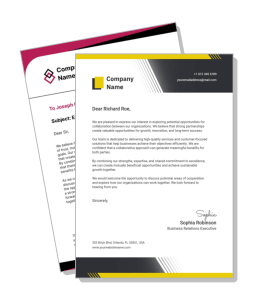
Corporate letterhead templates help teams send polished, branded documents that are easy to read in print, PDF, and email. Use a clean header for formal letters, partner communication, and client updates so your company details stay visible without crowding the message.
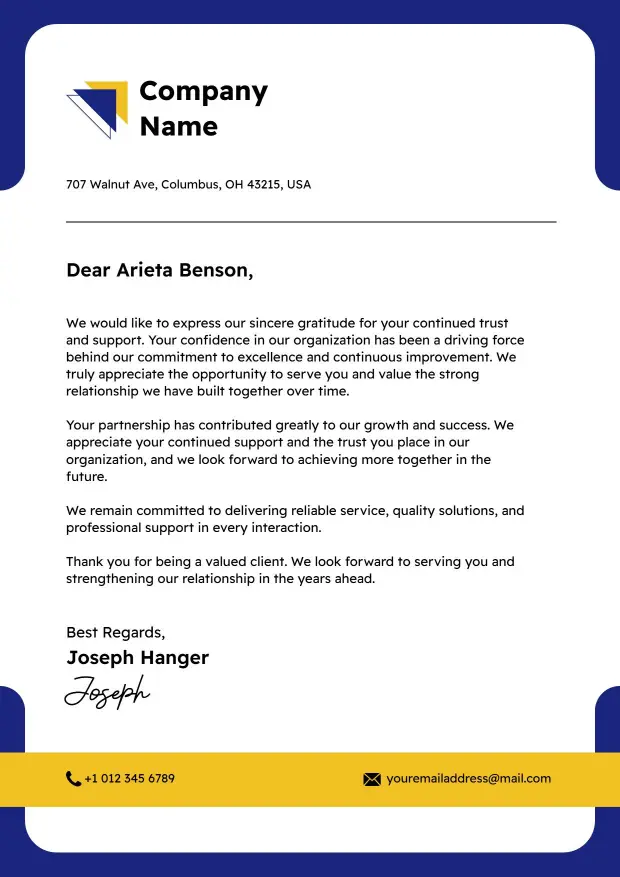

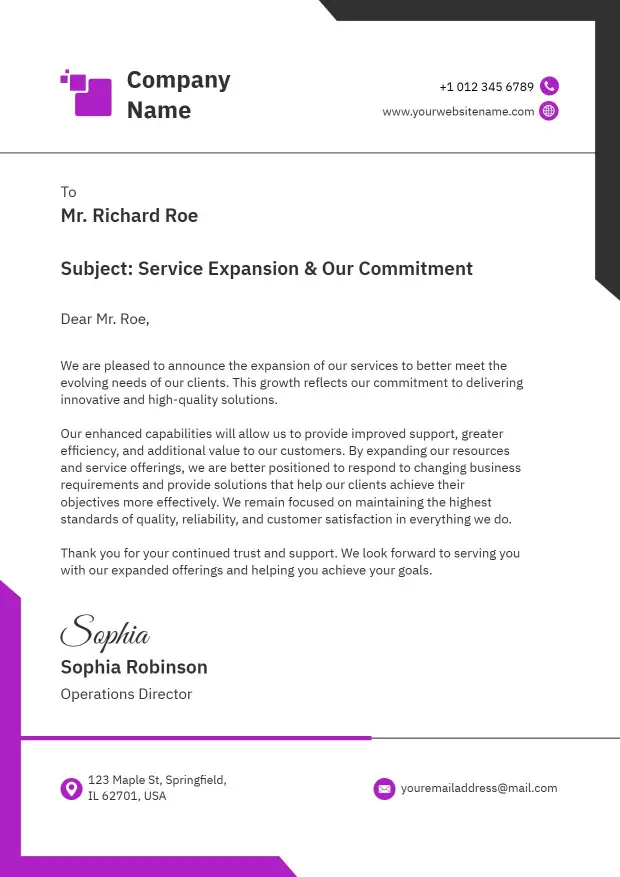
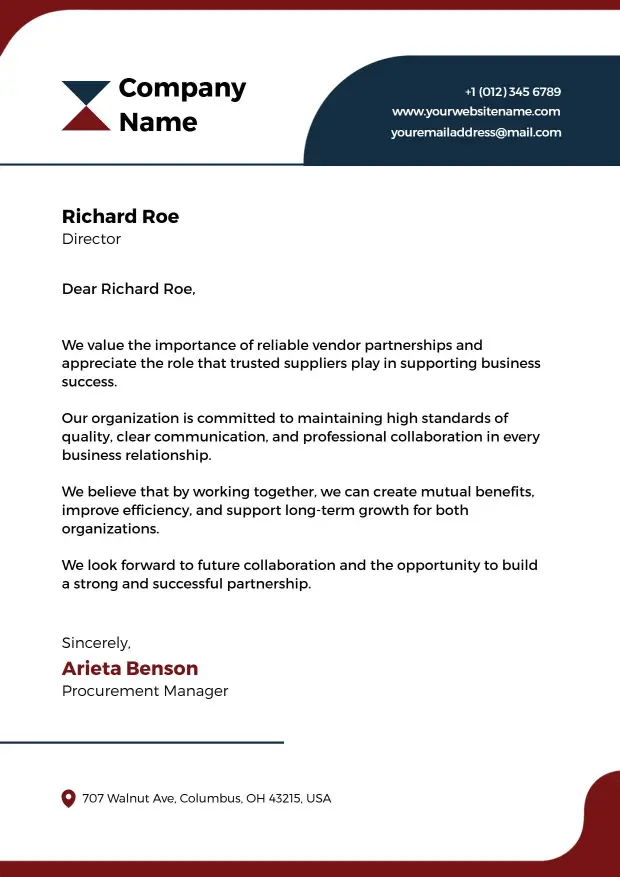
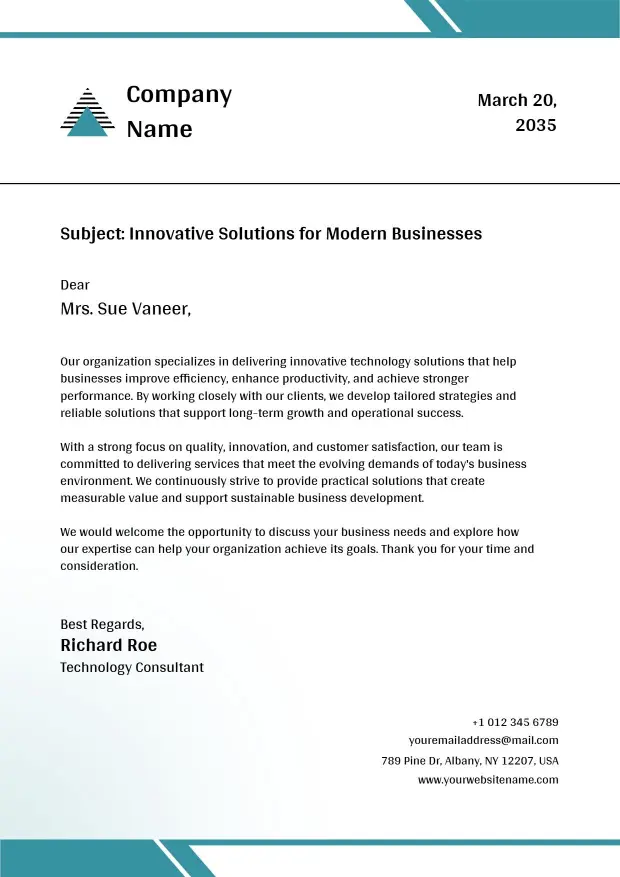
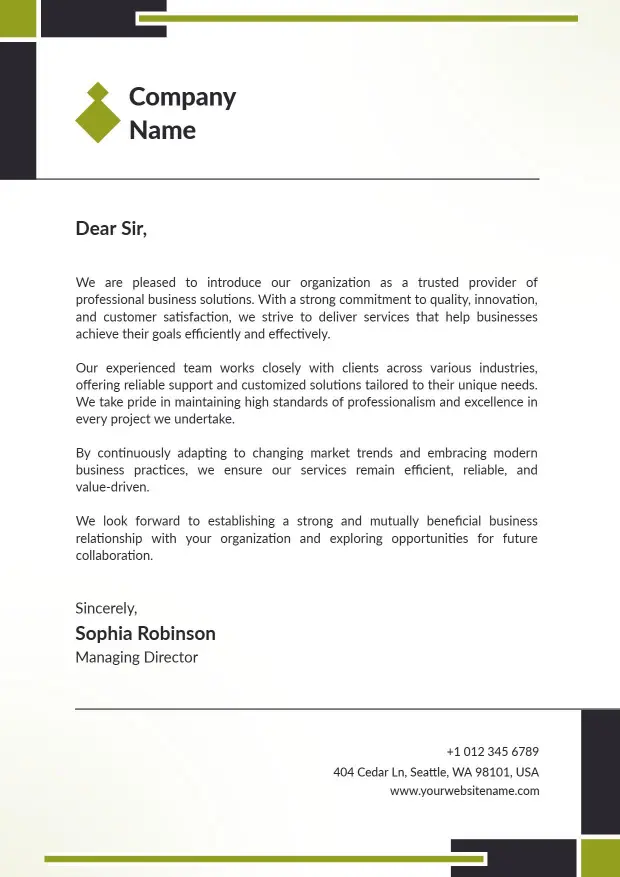
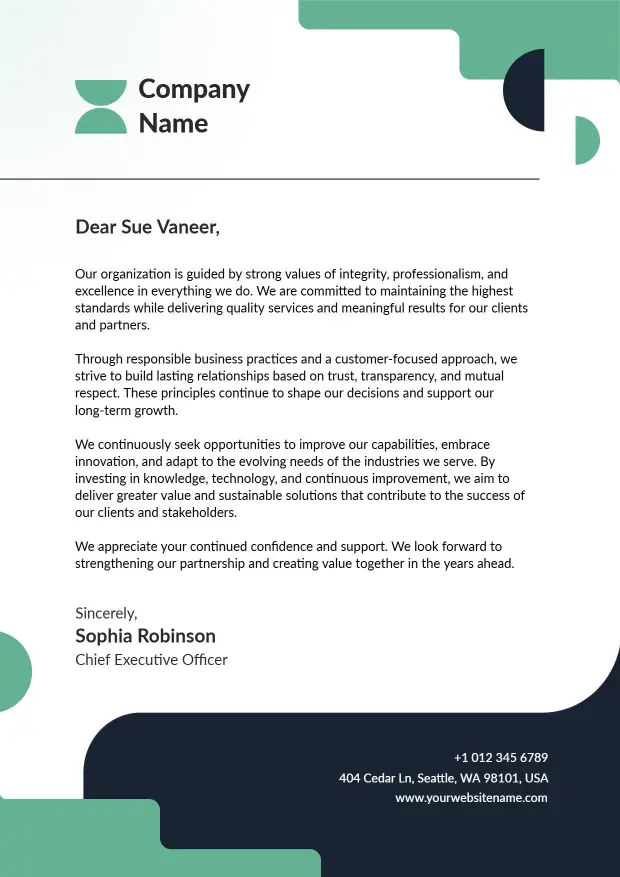
How to create a corporate letterhead in 5 steps
Start with a clean structure, then add the details that make formal business communication easier to read and easier to reuse.
1. Choose a balanced layout
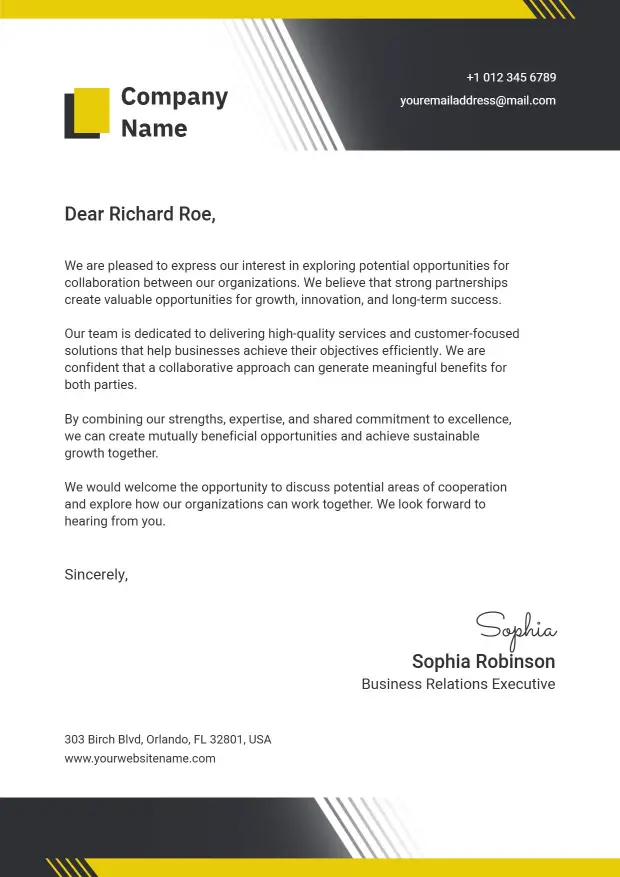
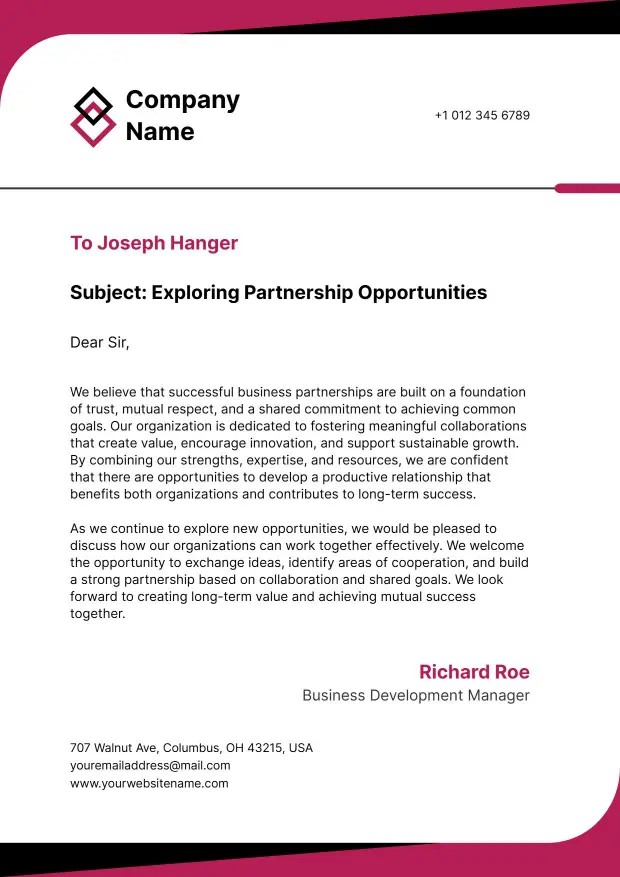
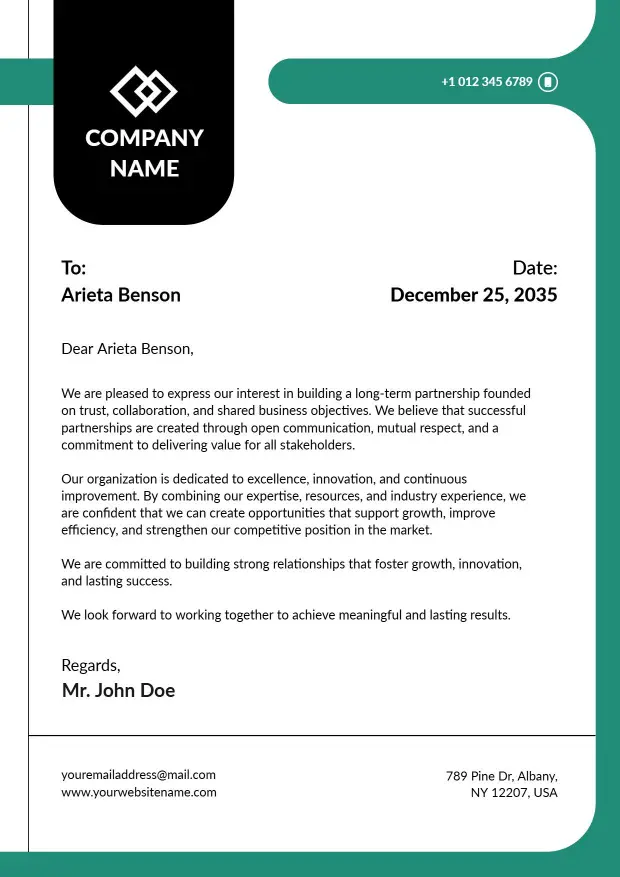
Pick a layout with enough room for the header, the body, and a signature area. A balanced structure keeps client letters, notices, and internal updates readable after printing or sharing.
2. Add brand and contact details
Place the company name, logo, address, phone number, email, and website where readers can find them quickly. Keep the block compact so the top section supports the message instead of crowding it.
3. Use clear hierarchy
Make the header distinct from the message by using spacing, size, and contrast rather than heavy decoration. Clear hierarchy helps the reader move from branding into the body without distraction.
4. Match the layout to the document type
Adjust the design for the letters your team sends most often, such as partner notes, formal notices, or client updates. Small layout changes can make the page feel more useful in day-to-day use.
5. Export a print and digital version
Save a print-ready PDF and a digital copy for email or shared folders. Testing both versions helps you catch spacing problems early and keeps the same letterhead usable across channels.
Trusted by Thousands
 Tata Consultancy Services
 Boston Consulting
 AT&T
AT&T
 Avelo Airlines
 Procter & Gamble
 Ministry Of Health, Malaysia
 Veterans Affairs
 Detroit Government
 New York University
 Texas A&M University
 Decathlon America
 Warby Parker
Tata Consultancy Services
Boston Consulting
AT&T
Avelo Airlines
Procter & Gamble
Ministry Of Health, Malaysia
Veterans Affairs
Detroit Government
New York University
Texas A&M University
Decathlon America
Warby Parker
Warby Parker
Tata Consultancy Services
Boston Consulting
AT&T
Avelo Airlines
Procter & Gamble
Ministry Of Health, Malaysia
Veterans Affairs
Detroit Government
New York University
Texas A&M University
Decathlon America
Warby Parker



Other Letterhead templates
Why corporate letterhead templates work for formal communication and brand consistency
Corporate letterhead templates help teams keep business communication consistent across client letters, internal notices, vendor updates, and formal correspondence. The layout gives you a clear space for brand identity, contact details, and the message itself, so every document looks intentional without feeling crowded.
Client-facing letters that feel polished
When you send proposals, follow-ups, or account updates, the document should feel organized the moment it opens. The Corporate Client Engagement Letterhead Template supports that use case with a clean header that leaves the message easy to scan.
Formal communication for teams and offices
Policies, notices, and official letters need a layout that reads clearly and keeps the brand present without becoming distracting. The Corporate Communication Formal Letterhead Template gives you a simple structure that works well for internal and external correspondence.
Vendor and partner messaging
Supplier coordination often works better when the document feels precise and easy to file. The Corporate Vendor Partnership Letterhead Template helps reinforce professional relationships while keeping contact and reference details easy to find.
Minimal layouts for high-volume communication
If your team sends a lot of short letters and updates, a restrained format can save time and reduce visual clutter. The Modern Minimalist Professional Corporate Letterhead Template is useful when you want a cleaner page that still looks branded in print and PDF.
Keep the page at standard letter size, use strong contrast, and leave enough white space around the logo, signature area, and reference lines so the letterhead stays readable after export, printing, or sharing by email.