


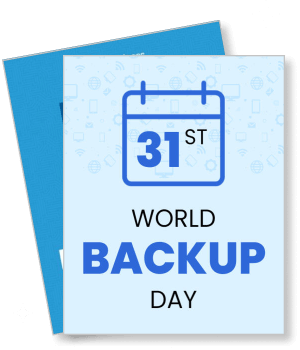
World Backup Day Poster Templates
DesignWiz World Backup Day Poster Templates help IT teams and organizations promote data protection awareness fast with ready made layouts and simple editing for campaign details, backup tips, and event information.
Trusted by Thousands
 Tata Consultancy Services
 Boston Consulting
 AT&T
AT&T
 Avelo Airlines
 Procter & Gamble
 Ministry Of Health, Malaysia
 Veterans Affairs
 Detroit Government
 New York University
 Texas A&M University
 Decathlon America
 Warby Parker
Tata Consultancy Services
Boston Consulting
AT&T
Avelo Airlines
Procter & Gamble
Ministry Of Health, Malaysia
Veterans Affairs
Detroit Government
New York University
Texas A&M University
Decathlon America
Warby Parker
Warby Parker
Tata Consultancy Services
Boston Consulting
AT&T
Avelo Airlines
Procter & Gamble
Ministry Of Health, Malaysia
Veterans Affairs
Detroit Government
New York University
Texas A&M University
Decathlon America
Warby Parker



Other Poster templates
Promote Data Safety with Eye-Catching World Backup Day Posters
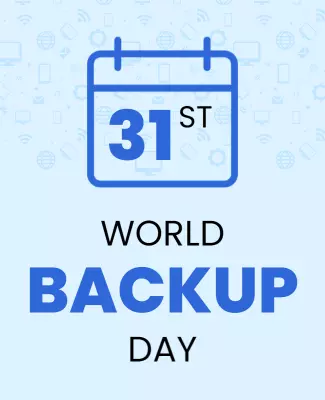
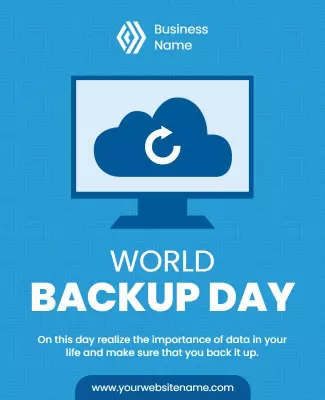
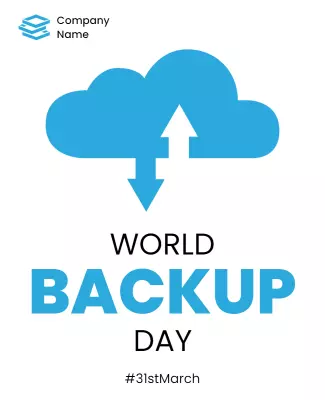
World Backup Day is a vital reminder to safeguard critical data, making it important to capture attention with striking visuals. Our poster templates feature bold headlines, distinct color contrasts, and engaging graphics that effectively communicate the importance of data protection from afar.
Ensure your audience sees all the essential details about World Backup Day and the importance of backing up their data. Highlight the date, outline quick backup tips, feature testimonials from data experts, display sponsor logos, and provide a website link for more information.
Place these posters on high-traffic community bulletin boards, office walls, and educational institution kiosks to reach a broad audience. Distribute digital versions on social media platforms and through company newsletters to maximize their impact and encourage proactive data protection.