


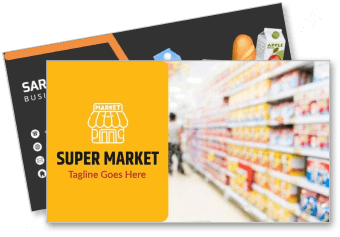
Supermarket Business Card Templates
Supermarket Business Card Templates help grocery stores, fresh markets, and local retailers present their branding, contact details, and customer information in a clear, professional format.




How to make a supermarket business card
Choose a store-focused design, add the information customers need, and review the finished card carefully before preparing it for print or digital sharing.
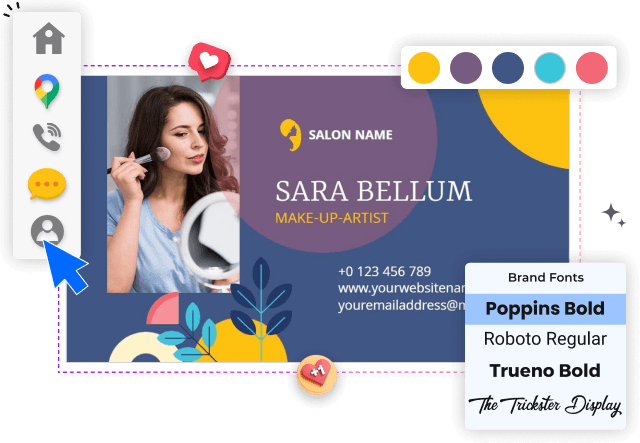
1. Select a suitable store style
Start with a layout that suits your supermarket, grocery store, or fresh market. Consider whether a playful produce theme or a clean retail style fits your brand best.
2. Enter essential business details
Replace sample text with your store name, phone number, address, email, website, and opening hours. Keep the most useful customer details prominent and easy to scan.
3. Apply your supermarket branding
Add your supermarket logo and choose colors that match your storefront, packaging, or signage. Strong contrast helps names, numbers, and QR codes remain readable in print.
4. Plan the reverse side
Use the reverse side for a QR code, loyalty message, delivery details, or a short product specialty. Avoid overcrowding the card so each customer action stays clear.
5. Check and export the design
Review spelling, alignment, margins, and text size before export. Save a print-ready version and a digital image you can share with suppliers, partners, and customers.
Trusted by Thousands
 Tata Consultancy Services
 Boston Consulting
 AT&T
AT&T
 Avelo Airlines
 Procter & Gamble
 Ministry Of Health, Malaysia
 Veterans Affairs
 Detroit Government
 New York University
 Texas A&M University
 Decathlon America
 Warby Parker
Tata Consultancy Services
Boston Consulting
AT&T
Avelo Airlines
Procter & Gamble
Ministry Of Health, Malaysia
Veterans Affairs
Detroit Government
New York University
Texas A&M University
Decathlon America
Warby Parker
Warby Parker
Tata Consultancy Services
Boston Consulting
AT&T
Avelo Airlines
Procter & Gamble
Ministry Of Health, Malaysia
Veterans Affairs
Detroit Government
New York University
Texas A&M University
Decathlon America
Warby Parker



Other Business Card templates
Business cards that keep your supermarket easy to remember
Supermarket business card templates give grocery retailers a practical way to share store information while reinforcing a recognizable brand. Use a clear layout for your store name, logo, address, phone number, website, and opening hours so customers can quickly find the details they need.
Fresh produce branding for local grocery stores
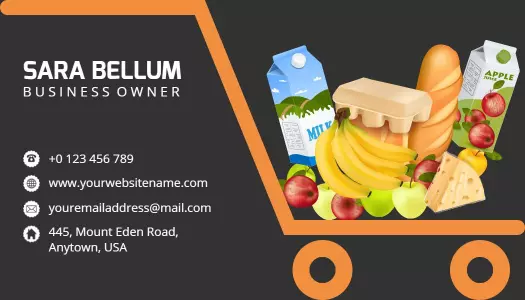
Produce imagery, warm colors, and approachable typography can help a neighborhood supermarket communicate freshness and convenience. The Bright Orange Fresh Produce Supermarket Business Card Template provides a playful starting point for stores that want to highlight vegetables, farm-fresh products, or family-friendly shopping.
Clear contact details for repeat customer visits
Place the store address, phone number, email, website, and opening hours where customers can scan them without searching through decorative elements. A simple information hierarchy makes the card useful after a delivery, community event, supplier meeting, or first store visit.
Flexible space for loyalty and delivery information
The reverse side can support a QR code, loyalty message, delivery service note, social media handle, or short description of your specialties. Keep one main action prominent so customers understand whether to visit, call, order online, or join a rewards program.
Consistent branding across print and digital sharing
Match the card colors and typography to your storefront, shopping bags, uniforms, signage, and promotional materials. A consistent visual identity helps customers recognize the supermarket whether they receive the card in person or view a digital copy online.