


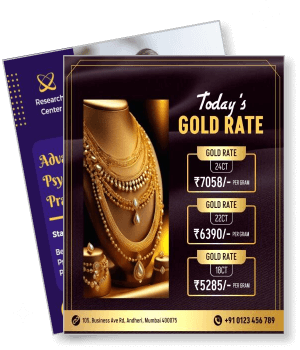
Instagram Flyer Templates
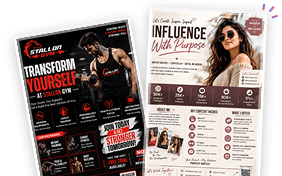
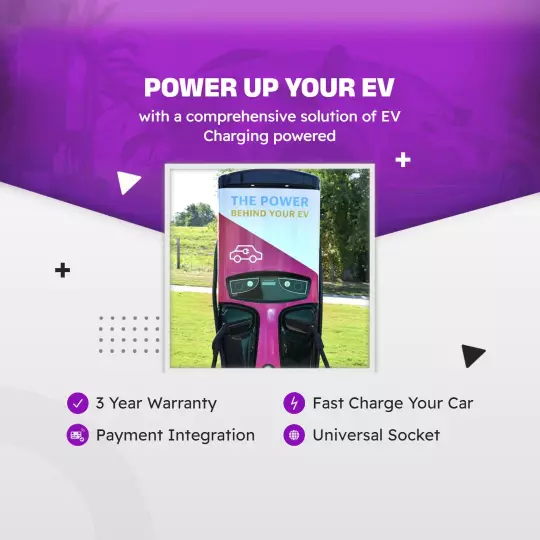
DesignWiz Instagram Flyer Templates help small business owners, service providers, freelancers, and creators promote products, services, events, and job openings on Instagram fast with ready-made 1080x1080px layouts - no design skills needed.
Create instantly from
your Social Media Profile
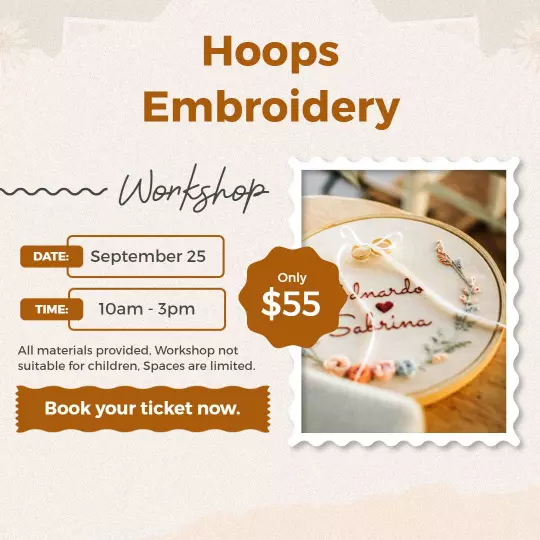
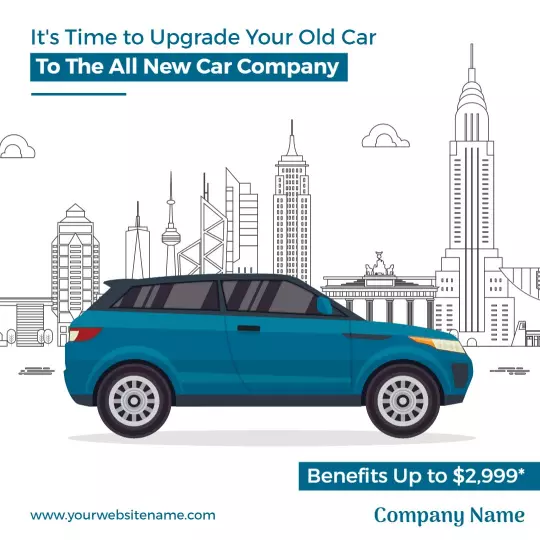

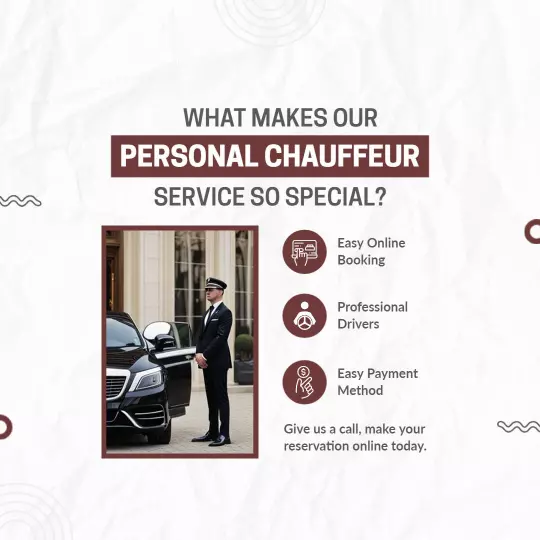
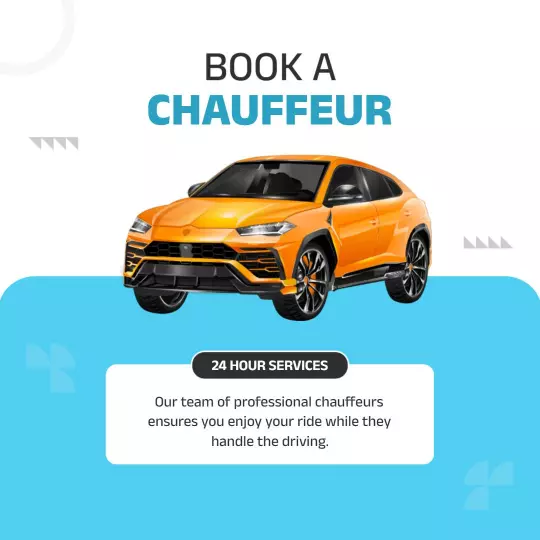
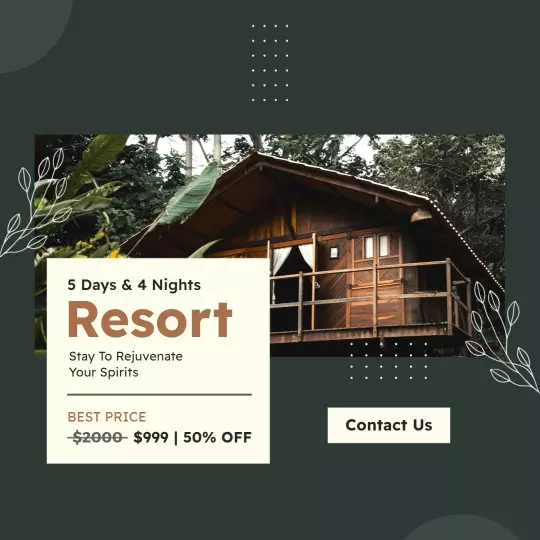

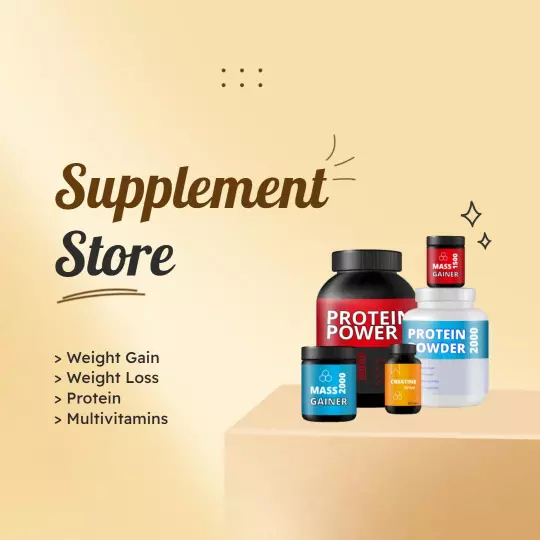
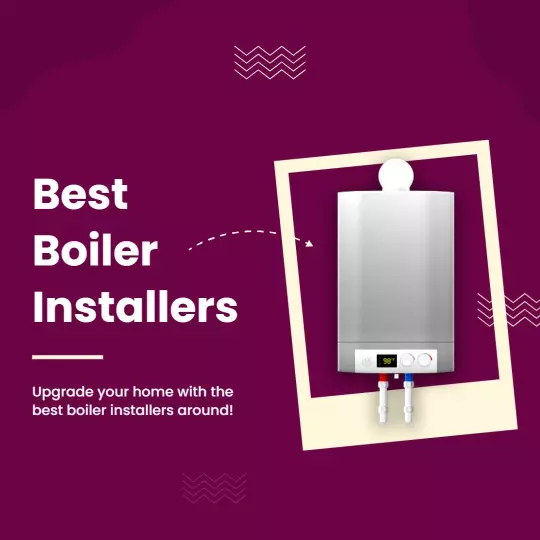


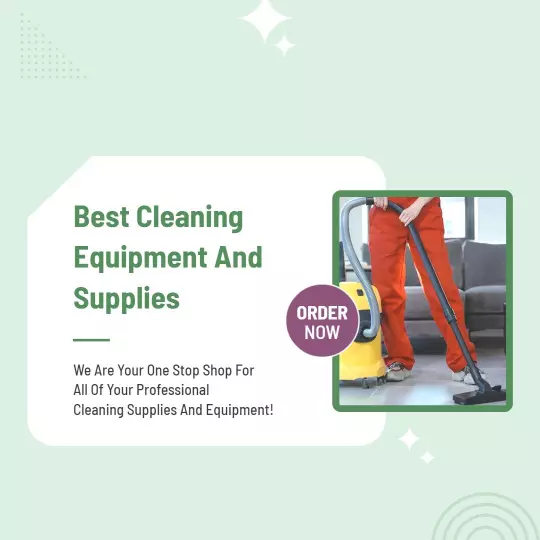

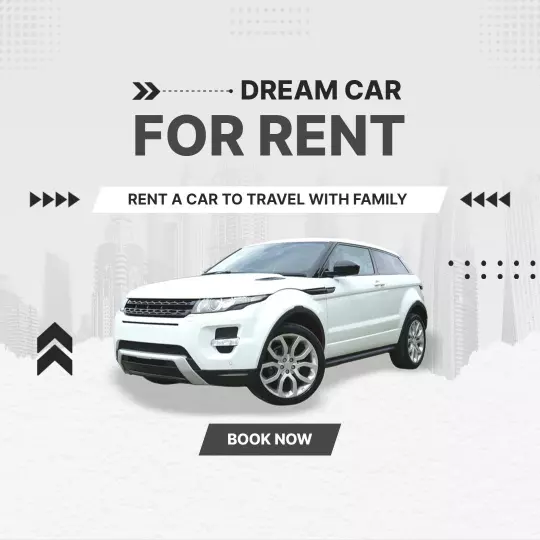
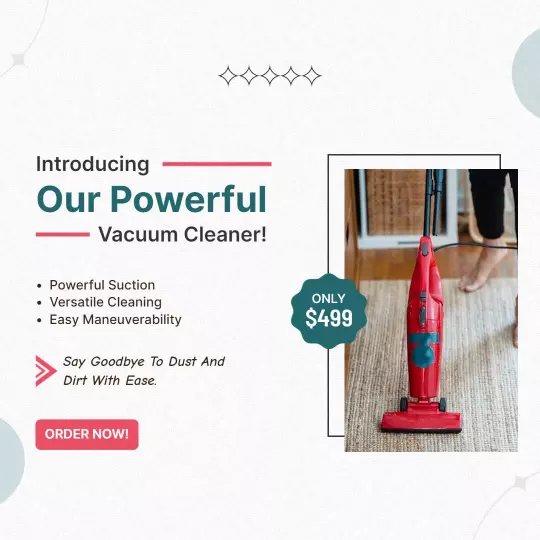
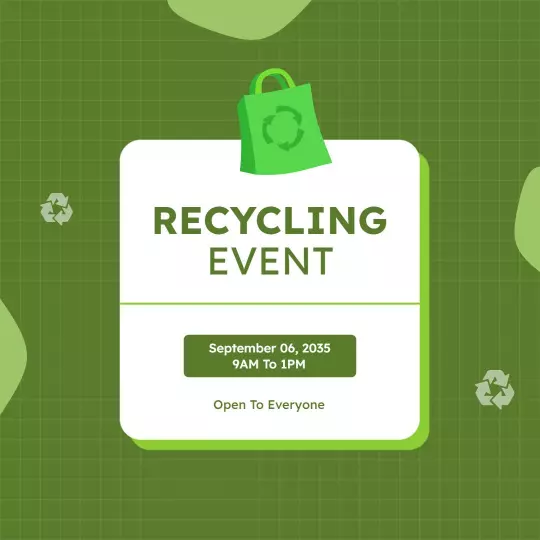
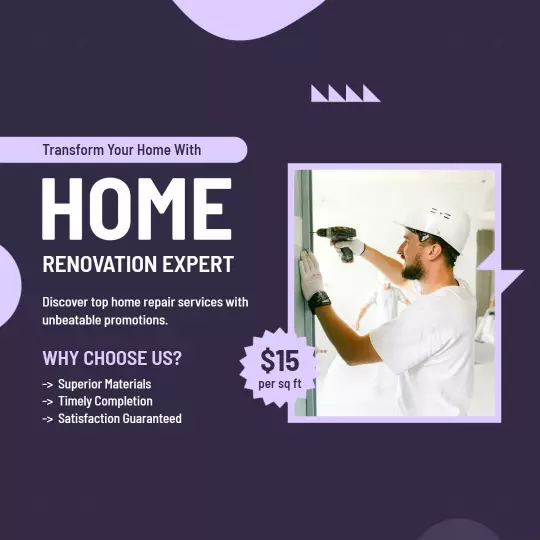
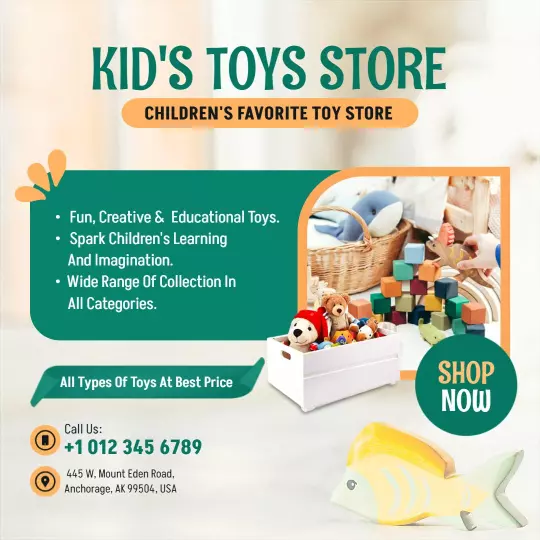
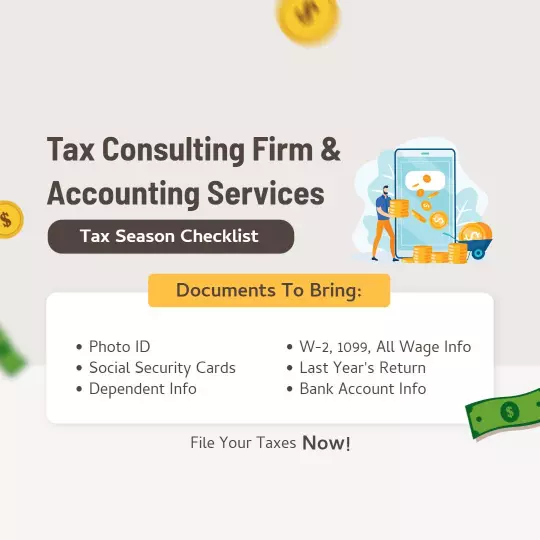
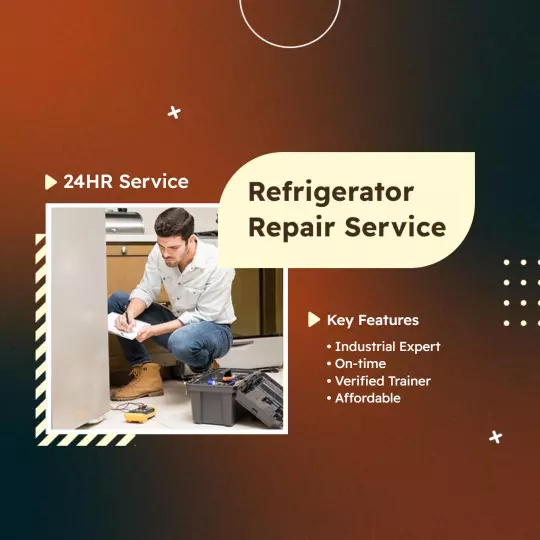

How to customize an Instagram flyer
No design experience needed. Pick a square layout, add your offer or service details, match your brand colors, then export a file ready to post to your feed or Stories in minutes.

1. Pick a layout
Choose an Instagram flyer layout for your goal - product sale, service promo, class, or hiring post. Set the square canvas first so the design fits the Instagram feed format correctly.
2. Add your message
Enter your headline, key offer, and one call to action - a link in bio or contact step. Keep each on its own line so followers spot the message fast without reading through all the crowded text.
3. Add your visuals
Place one strong product photo or branded image and keep contrast high so text stays readable. Avoid busy backgrounds that compete with your headline or reduce the clarity of the offer detail.
4. Match your brand
Swap the accent color and font to match your brand so the post looks consistent on your profile. Limit to two or three colors so the key offer or detail stays prominent in the Instagram feed.
5. Export and post
Export at 1080x1080px and upload to your Instagram feed or schedule via your content tool. Confirm the headline and call to action are readable at feed size before you publish the post.
Trusted by Thousands
 Tata Consultancy Services
 Boston Consulting
 AT&T
AT&T
 Avelo Airlines
 Procter & Gamble
 Ministry Of Health, Malaysia
 Veterans Affairs
 Detroit Government
 New York University
 Texas A&M University
 Decathlon America
 Warby Parker
Tata Consultancy Services
Boston Consulting
AT&T
Avelo Airlines
Procter & Gamble
Ministry Of Health, Malaysia
Veterans Affairs
Detroit Government
New York University
Texas A&M University
Decathlon America
Warby Parker
Warby Parker
Tata Consultancy Services
Boston Consulting
AT&T
Avelo Airlines
Procter & Gamble
Ministry Of Health, Malaysia
Veterans Affairs
Detroit Government
New York University
Texas A&M University
Decathlon America
Warby Parker



Other Flyer templates
Instagram Flyer Templates Design Ideas and Examples
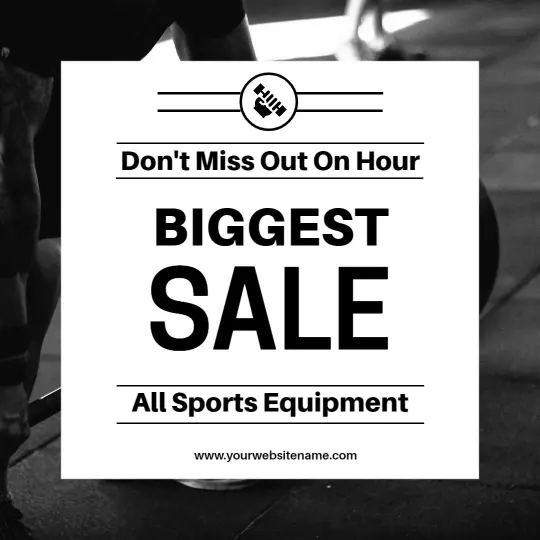
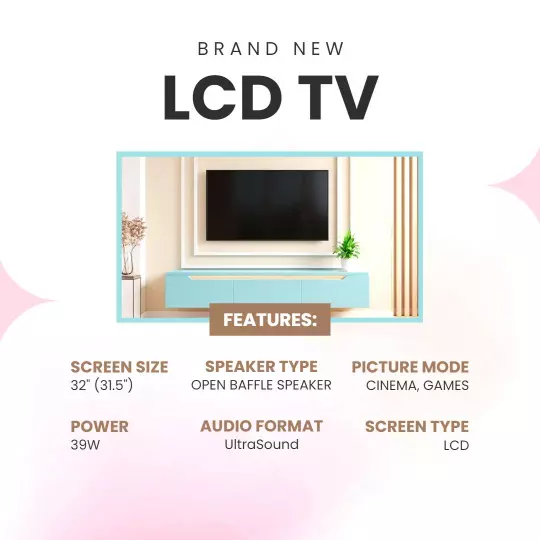
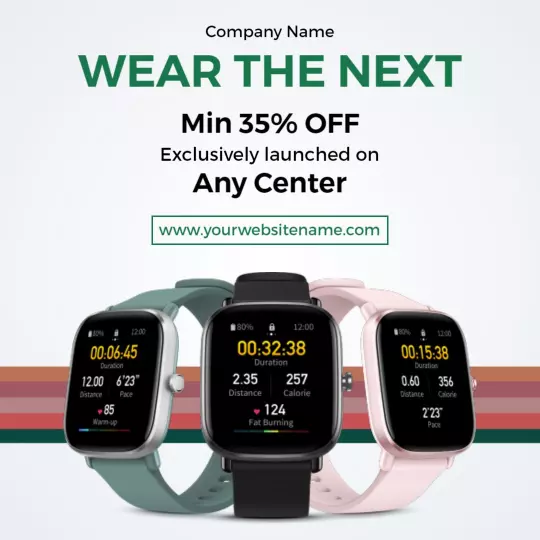
Match your layout to the post you are creating - whether that is a product sale, a service promotion, a class registration, or a hiring announcement - then keep the visual hierarchy clear so followers read your offer, price, and call to action without effort. DesignWiz offers 50+ Instagram flyer layouts all pre-sized at 1080x1080px for the square feed format, so you can start from a ready-made design and edit it for your profile in minutes. Use these ideas to decide on image placement, text weight, and what to lead with for each post type, then browse flyer templates when you want more options beyond your first pick.
Product sales and retail promotions
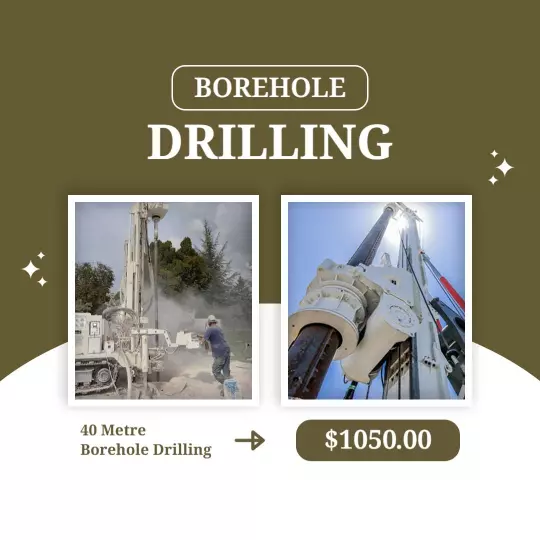
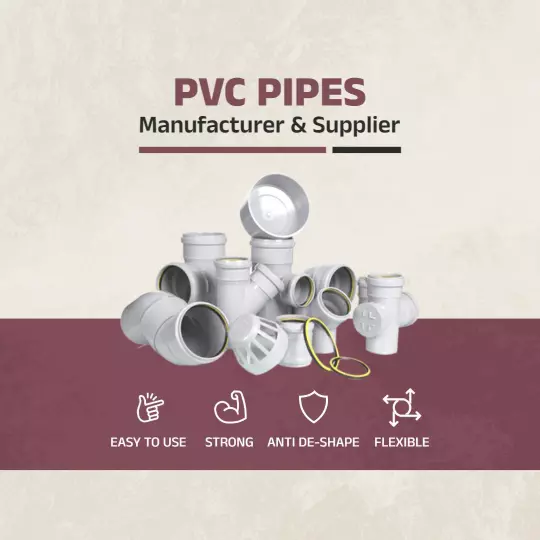
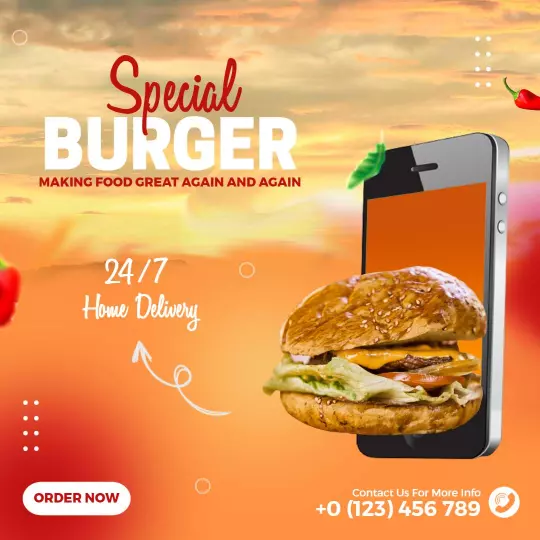
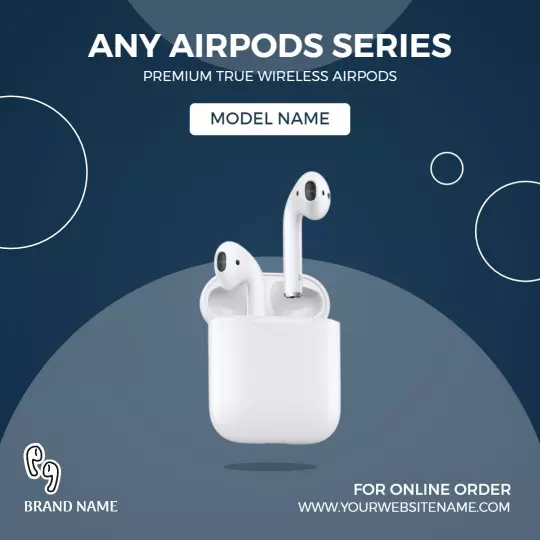
Lead with the offer - discount percentage, flash sale window, or new arrival headline - and use a clean product photo on a minimal or solid background so the price reads before any other detail. Add your contact link or a short call to action so interested followers act immediately rather than saving the post to read later. For a product sale Instagram post, start from wireless earbuds promotional sale Instagram flyer template and swap in your product image, discount amount, and offer deadline.
Service promotions and class announcements
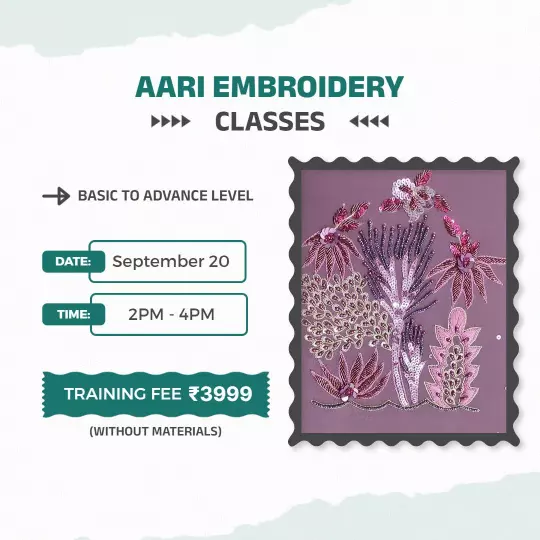
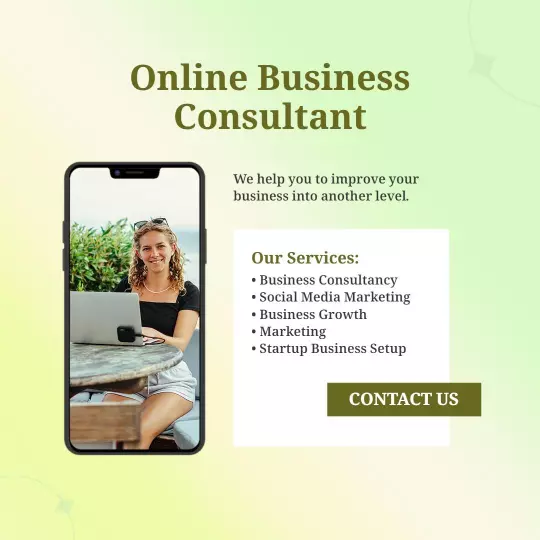
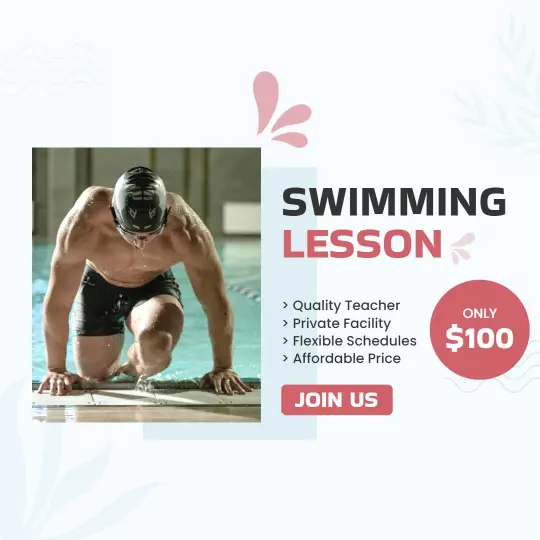
Use the service name and a short benefit statement as the headline so followers understand the value before reading any details. Include the schedule, pricing, and registration step in two or three short lines so the post stays scannable at phone size. For a service or class promotion, adapt swimming lesson promotional Instagram flyer template or aari embroidery classes promotional Instagram flyer template and update the service name, schedule, price, and contact details.
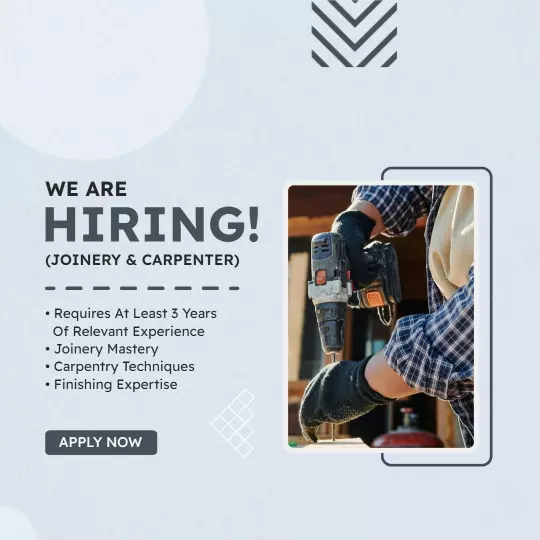
Hiring announcements and business posts
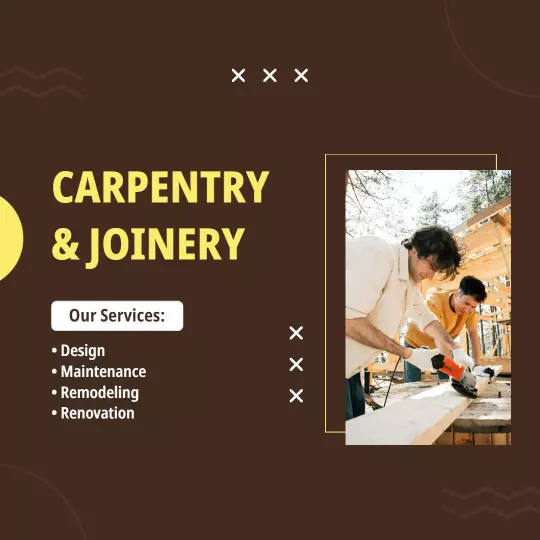
State the role and your business name in the headline so qualified candidates immediately know whether the post is relevant to them. List two or three key requirements and one clear application step - a DM, email, or link - so interested applicants respond without extra friction. Keep the layout clean and the background consistent with your brand so the post builds credibility rather than looking like a generic job board listing. For a hiring post, explore joinery and carpenter hiring announcement Instagram flyer template and replace the role, requirements, and contact details.