


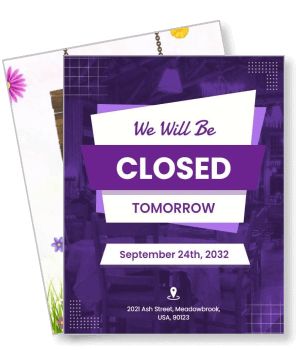
Closed Poster Templates
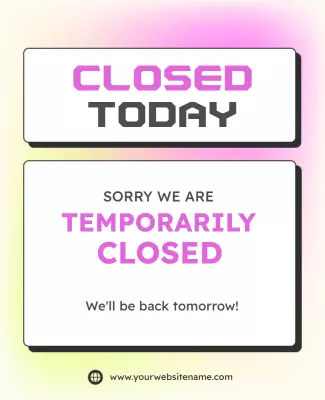
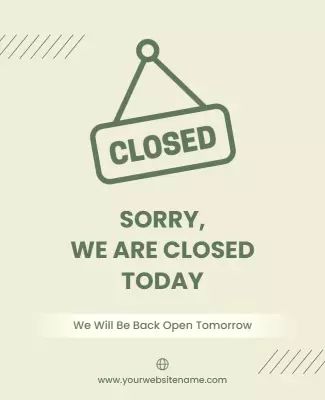
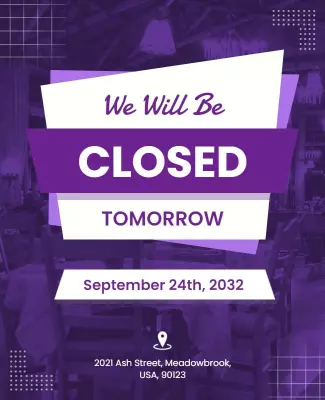
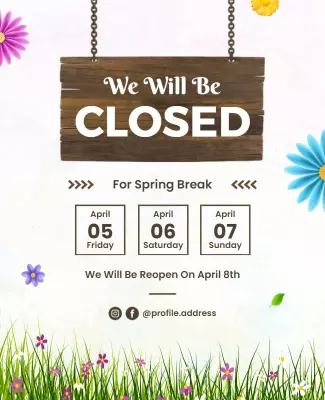
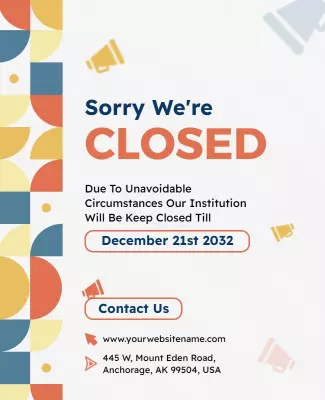
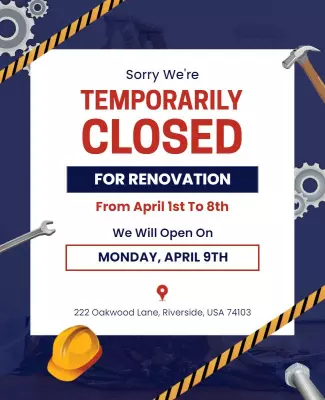
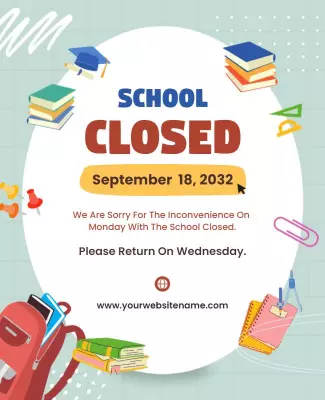
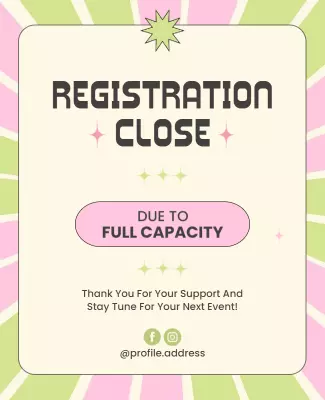
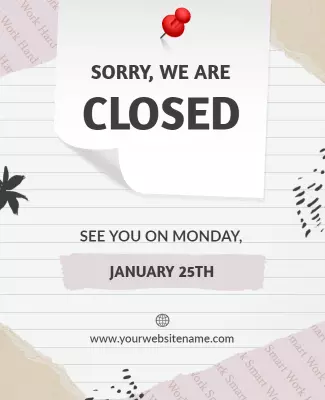
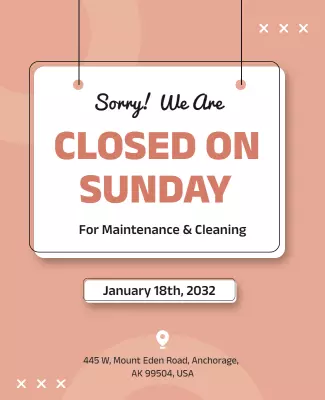
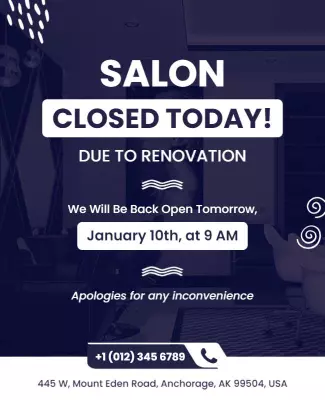
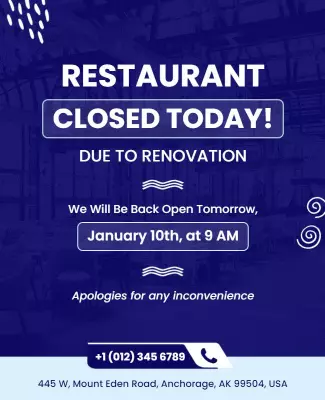
DesignWiz closed poster templates help small businesses inform customers about temporary closures, holiday breaks, and renovation notices fast with clear layouts, plus simple editing for dates, reasons, and contact details.







Trusted by Thousands
 Tata Consultancy Services
 Boston Consulting
 AT&T
AT&T
 Avelo Airlines
 Procter & Gamble
 Ministry Of Health, Malaysia
 Veterans Affairs
 Detroit Government
 New York University
 Texas A&M University
 Decathlon America
 Warby Parker
Tata Consultancy Services
Boston Consulting
AT&T
Avelo Airlines
Procter & Gamble
Ministry Of Health, Malaysia
Veterans Affairs
Detroit Government
New York University
Texas A&M University
Decathlon America
Warby Parker
Warby Parker
Tata Consultancy Services
Boston Consulting
AT&T
Avelo Airlines
Procter & Gamble
Ministry Of Health, Malaysia
Veterans Affairs
Detroit Government
New York University
Texas A&M University
Decathlon America
Warby Parker



Other Poster templates
Maximize Event Visibility with High-Impact Closed Posters
When grabbing attention is key, closed posters deliver bold visual statements that captivate from across the room. DesignWiz closed poster templates feature striking large-scale imagery, dynamic color contrasts, and impactful headline typography that draws viewers in instantly.
Include all the essential information that audiences need at a glance. Clearly display the event date, location address, featured attractions or speakers, ticket prices, sponsor logos, and an easy-to-access URL for further details or ticket bookings to ensure nothing is missed.
Mount these attention-getting posters on community bulletin boards, the walls of event halls, store windows, or college campuses to effectively broadcast your event. Utilize them at high-traffic areas where they can catch the eye of your intended audience effectively.