


Notice Poster Templates
DesignWiz notice poster templates help offices, schools, and property managers share updates and announcements fast with ready-made layouts, plus simple editing for dates, instructions, and contact details.












How to customize a notice poster
No design skills needed. Choose a layout, add your announcement details, adjust colors to match your organization, then export a file you can print or share in minutes.

1. Pick a layout
Choose a notice poster layout for your message. Pick a design for office announcements, school notices, or maintenance. Set page size to A4 or A3 for easy printing and board display.
2. Add your message
Add a clear headline that states the subject, then write the main message in short paragraphs or bullets. Include dates, deadlines, required actions, and contact info for questions.
3. Use clear visuals
Use high contrast colors like blue and white for general notices, yellow and red for urgent alerts. Add icons for calendar, warning, or contact. Keep the design clean and distraction free.
4. Add contact details
Place contact name, phone, email, or office location at the bottom of the poster. Add a QR code linking to details or an online form. Make sure the contact info is easy to find and copy.
5. Export and distribute
Export at 300 DPI for print and save a PDF for email or intranet. Print on A4 for cubicle postings or A3 for main boards. Share digitally in organization groups and communication channels.
Trusted by Thousands
 Tata Consultancy Services
 Boston Consulting
 AT&T
AT&T
 Avelo Airlines
 Procter & Gamble
 Ministry Of Health, Malaysia
 Veterans Affairs
 Detroit Government
 New York University
 Texas A&M University
 Decathlon America
 Warby Parker
Tata Consultancy Services
Boston Consulting
AT&T
Avelo Airlines
Procter & Gamble
Ministry Of Health, Malaysia
Veterans Affairs
Detroit Government
New York University
Texas A&M University
Decathlon America
Warby Parker
Warby Parker
Tata Consultancy Services
Boston Consulting
AT&T
Avelo Airlines
Procter & Gamble
Ministry Of Health, Malaysia
Veterans Affairs
Detroit Government
New York University
Texas A&M University
Decathlon America
Warby Parker



Other Poster templates
Notice Poster Templates Design Ideas and Examples
Customize colors, wording, and layout to match your organization, then keep the design clear so readers find key details at a glance. DesignWiz offers notice posters across multiple styles including office announcements, school event notices, closure alerts, maintenance notices, and policy updates, so you can start from a ready made design and edit it for your message. Use these ideas to decide headline style, information hierarchy, and what to emphasize for your audience, then browse poster templates when you want more options beyond your first pick.
Office and workplace notice posters
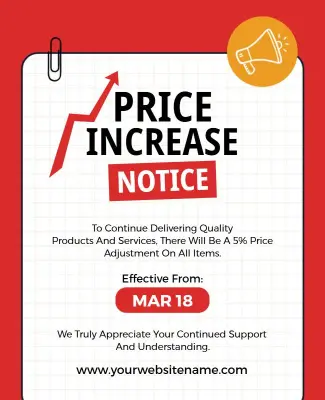
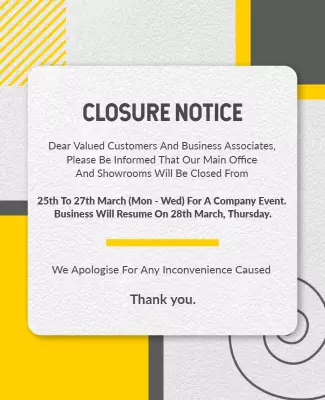
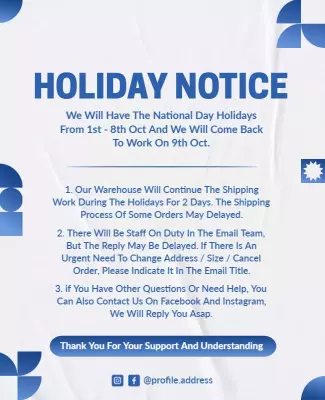
Use a bold headline that states the subject clearly, such as Holiday Schedule or Policy Update. Keep the message concise with bullet points for key actions or deadlines, and place the effective date prominently. Use neutral or company-branded colors for a professional look. For workplace announcements, start from modern minimalist closure announcement notice poster template and replace the details with your update.
School and education notice posters
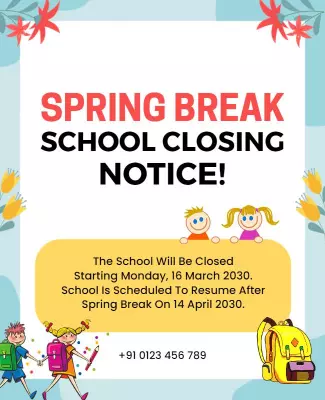
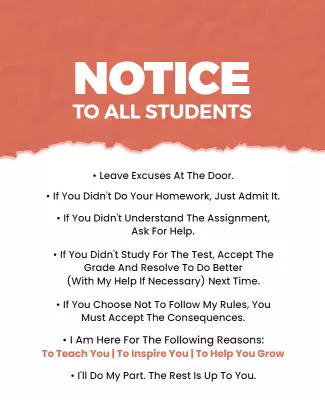
Lead with the event or announcement type, use bright but readable colors, and include date, time, venue, and who to contact. Add icons for categories like sports, exams, or holidays so students find information fast. For school notices, adapt playful green teachers day celebration notice poster template and adjust the text for your event or announcement.
Building and maintenance notice posters
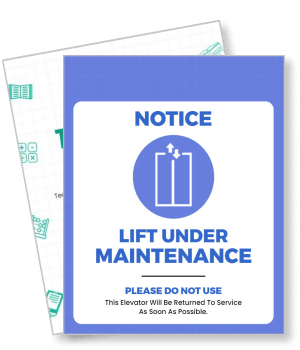
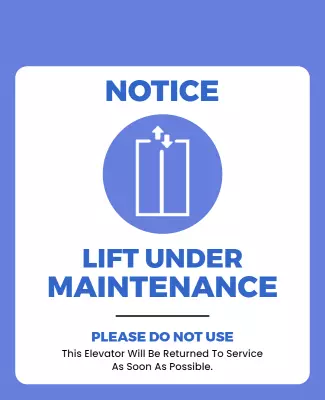
Use warning colors like yellow, red, or orange with clear icons such as a hard hat or wrench to signal urgency. State the issue, affected area, dates, and alternative arrangements in simple language. Add a contact number for questions. For maintenance notices, customize bold blue notice for elevator maintenance poster template and update the service details and schedule.