



PTM Poster Templates
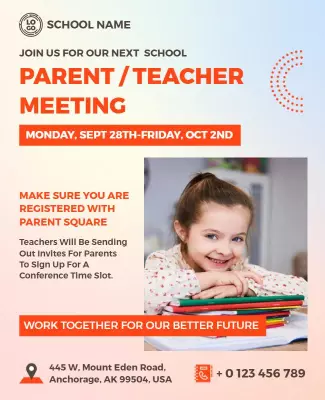
Let parents know about upcoming school meetings with a clear, welcoming announcement. Browse PTM poster templates for parent-teacher meetings, progress discussions, and school conferences. Choose a design, add your meeting information, and share it with families.












Trusted by Thousands
 Tata Consultancy Services
 Boston Consulting
 AT&T
AT&T
 Avelo Airlines
 Procter & Gamble
 Ministry Of Health, Malaysia
 Veterans Affairs
 Detroit Government
 New York University
 Texas A&M University
 Decathlon America
 Warby Parker
Tata Consultancy Services
Boston Consulting
AT&T
Avelo Airlines
Procter & Gamble
Ministry Of Health, Malaysia
Veterans Affairs
Detroit Government
New York University
Texas A&M University
Decathlon America
Warby Parker
Warby Parker
Tata Consultancy Services
Boston Consulting
AT&T
Avelo Airlines
Procter & Gamble
Ministry Of Health, Malaysia
Veterans Affairs
Detroit Government
New York University
Texas A&M University
Decathlon America
Warby Parker



Other Poster templates
Create a Clear Parent-Teacher Meeting Posters for Your School Meeting
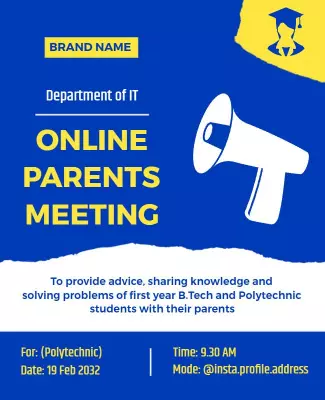
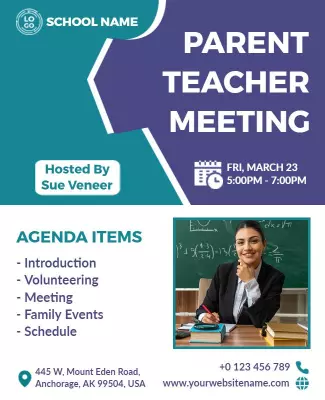
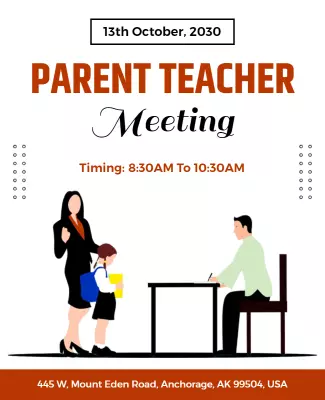
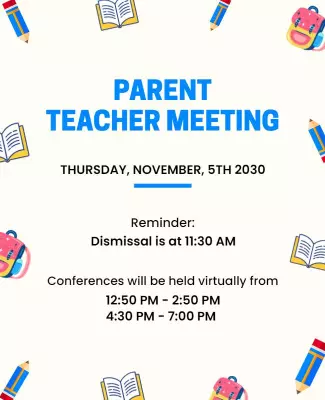
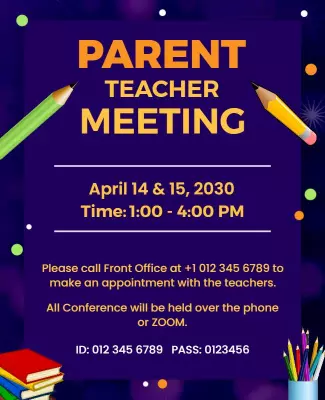
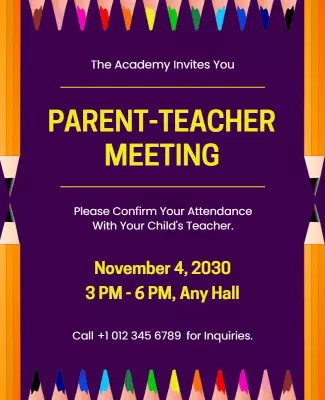
A parent-teacher meeting gives families and educators an opportunity to discuss student progress, classroom experiences, and areas where additional support may help.
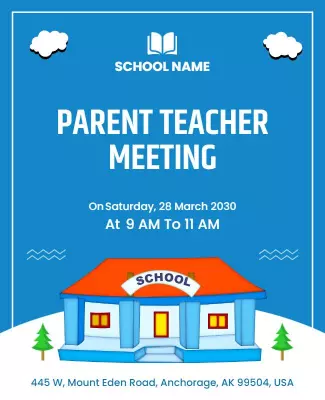
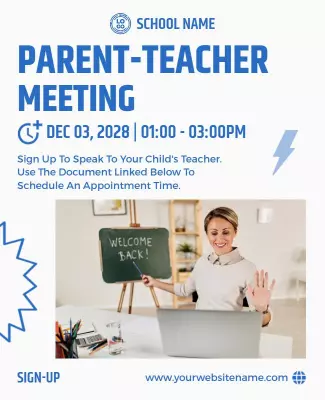
Your poster should make the meeting schedule easy to understand. Choose a simple layout for a formal school notice or a colorful design for an elementary school event. You can personalize it with your school name, meeting details, and colors.
If meetings are arranged by grade or class, make the relevant schedule easy for parents to find. A clear announcement helps families prepare and plan their visit.
What to Include on a Parent-Teacher Meeting Poster
Start with the school name and meeting date. Display the starting time and location prominently so parents can find the essential details quickly.
If different classes have separate meeting slots, include the relevant schedule or explain how parents can confirm their appointment. You may also mention discussion topics such as academic progress, attendance, or classroom activities.
For online meetings, provide instructions on how families can access the session. Include a school contact for questions or scheduling changes.
Before sharing, check that the date, venue, and instructions are accurate and easy to read.