


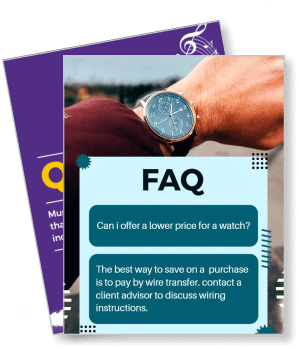
FAQ Poster Templates
DesignWiz FAQ Poster Templates help businesses, schools, and organizations present common questions and answers clearly with clean organized layouts and easy editing for section headers, answer blocks, and category labels.






Trusted by Thousands
 Tata Consultancy Services
 Boston Consulting
 AT&T
AT&T
 Avelo Airlines
 Procter & Gamble
 Ministry Of Health, Malaysia
 Veterans Affairs
 Detroit Government
 New York University
 Texas A&M University
 Decathlon America
 Warby Parker
Tata Consultancy Services
Boston Consulting
AT&T
Avelo Airlines
Procter & Gamble
Ministry Of Health, Malaysia
Veterans Affairs
Detroit Government
New York University
Texas A&M University
Decathlon America
Warby Parker
Warby Parker
Tata Consultancy Services
Boston Consulting
AT&T
Avelo Airlines
Procter & Gamble
Ministry Of Health, Malaysia
Veterans Affairs
Detroit Government
New York University
Texas A&M University
Decathlon America
Warby Parker



Other Poster templates
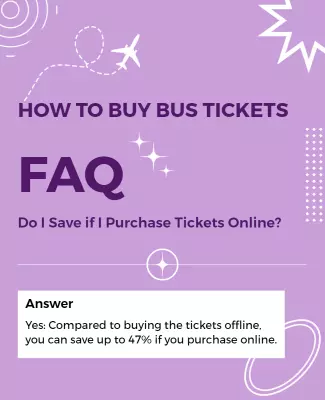
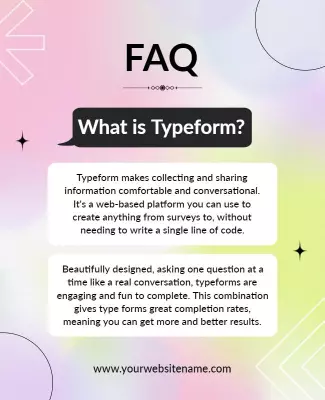
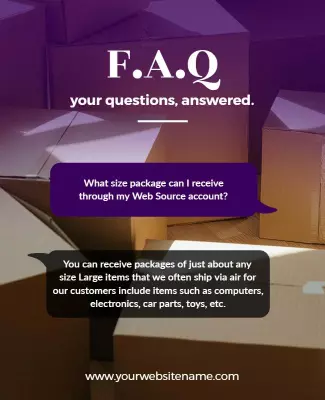
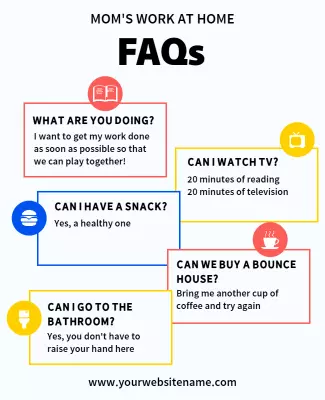
Simplify Customer Queries with Clear FAQ Posters
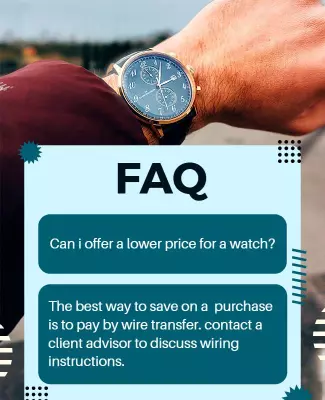
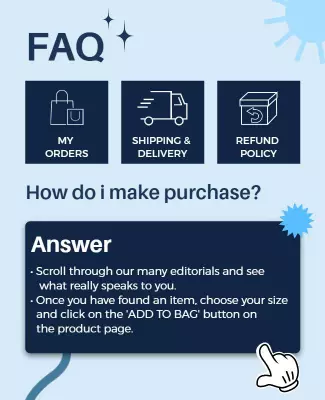
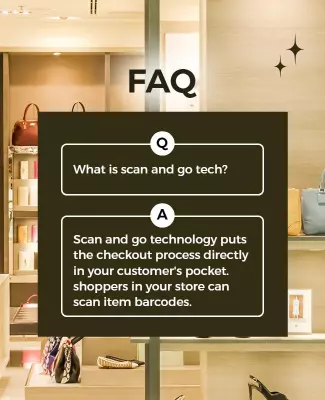
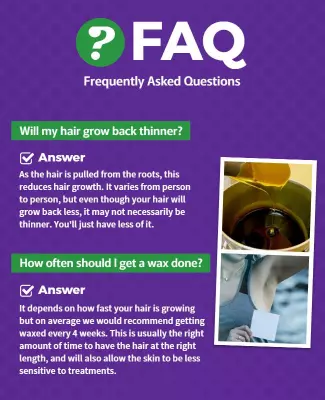
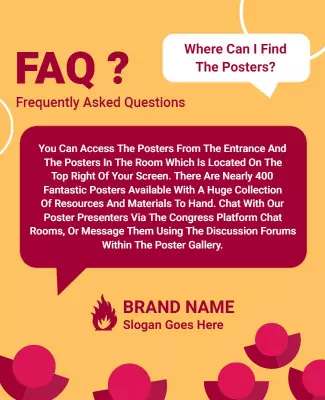
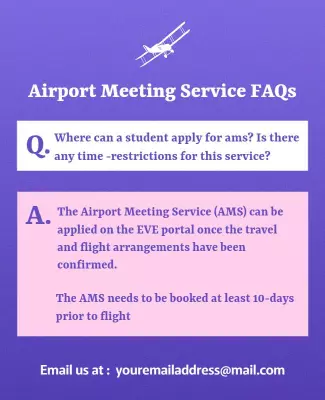
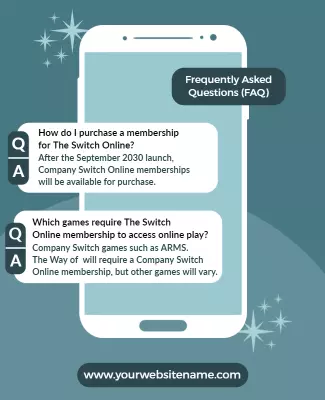
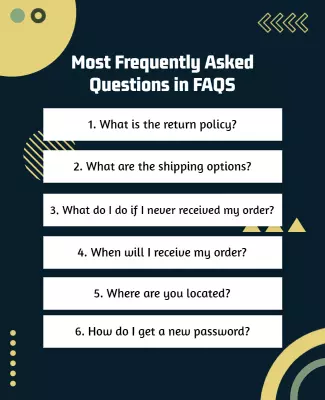
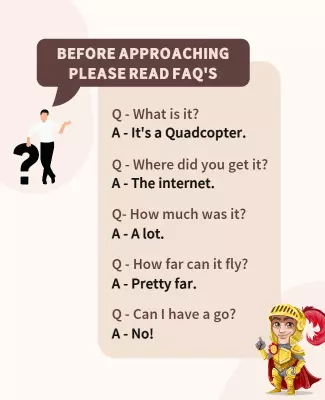
Enhancing customer experiences begins with transparent communication, and an FAQ poster can do just that. DesignWiz FAQ poster templates focus on clarity with bold headline fonts and structured sections that feature contrasting color panels, allowing essential information to stand out efficiently in bustling environments.
Make sure to cover every common customer question on this poster. Clearly list product guarantees, store opening and closing hours, contact information, frequently asked return policies, shipping queries, and payment methods that you accept. By addressing frequent topics, you can significantly reduce confusion and increase satisfaction.
Place these posters strategically in high-traffic areas such as store entranceways, customer service desks, or alongside product displays to catch the attention of passersby. Ensure they are printed on durable materials or displayed digitally on in-store screens for an extended lifespan.